Policies and Access Control
Introduction
Access is given to protected devices by policies, created in the XMS, that specifies the following five things: Who? What? Where? How? When?
The types of policies can be categorized by the mapping from types of sources to types of destinations.
From user group to protected devices
This is the most typical kind of policy which gives a group of users access to devices behind XoT-Locks that match the specified device type, group and location.
From protected devices to protected devices
This is sometimes referred to as a machine-to-machine or M2M policy, as this means that the XoT-Locks that match the specification for the policy source are given the capability of acting as clients in communication with the targets of the policy.
With this type of policy, devices from behind XoT-Locks can be given access to other devices or subnets without running any clients themselves. The XoT-Locks specified in the Source section will establish encrypted tunnels to the target XoT-Locks allowing secure communication between different protected devices.
From protected devices to unprotected devices
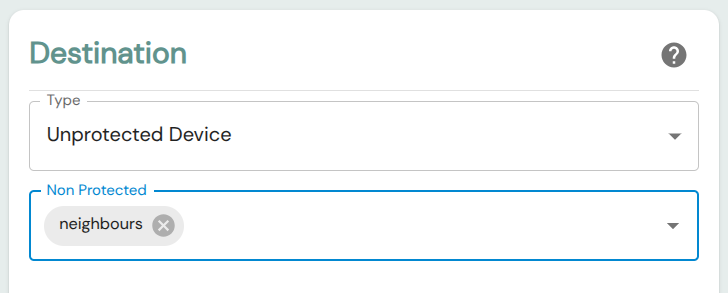
This type of policy will allow traffic from devices protected by XoT-Locks to whatever is specified in the policy. This can be set for specific IPs or subnets, allow access to neighboring devices (devices on the subnet on the outside of the XoT-Lock), or allow unrestricted outgoing traffic across the XoT-Lock.
From unprotected devices to protected devices
With this type of policy, access is given to sources not protected by XoT Technology to devices that are.
Creating Policies
Once you have admin access to XMS, click Create in the Policies section of the main menu. This will take you to the policy creation screen.
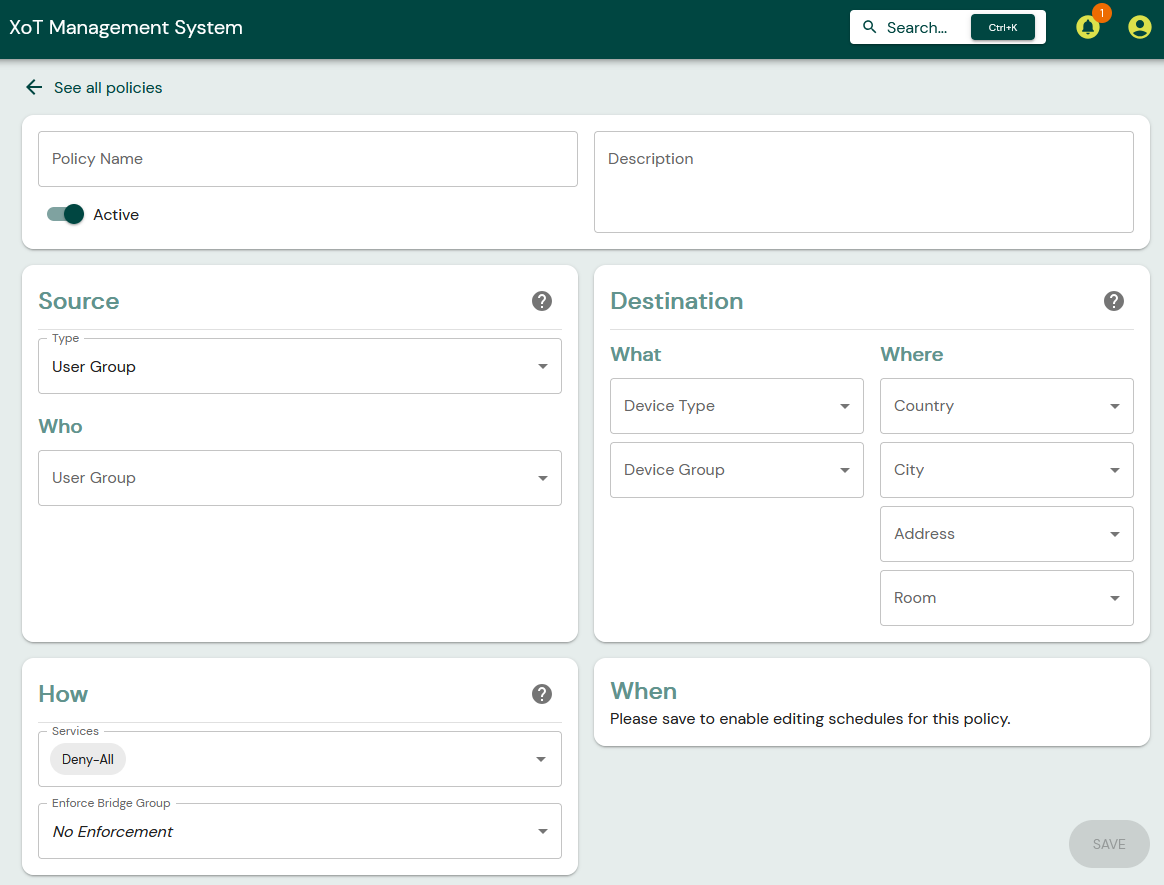
From here, you can specify the details of the policy.
First, you should give your new policy a name and optionally a description.

Source
This section specifies who is to be given access by the policy?
There are three different types of policy sources.
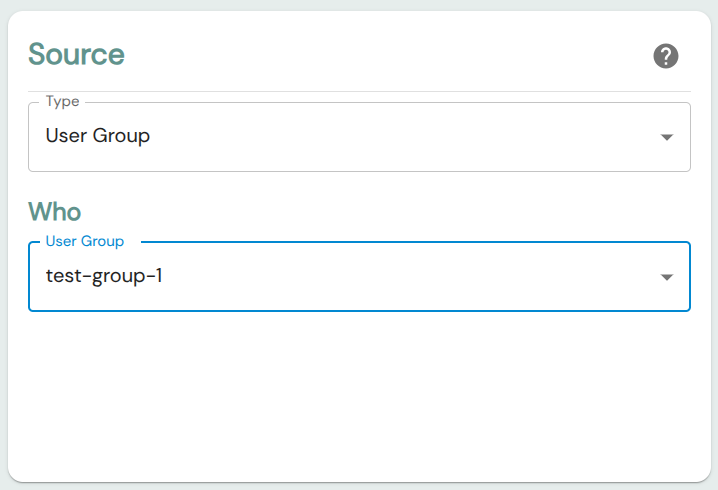
User Group
If Type is set to User Group, then the policy will apply to members of the group.
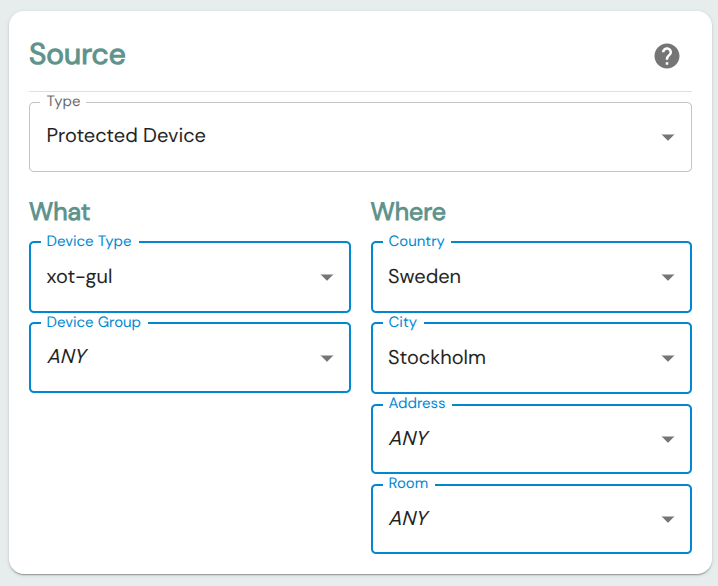
Protected Device
If Protected Device is selected as Type then the policy will apply to XoT-Locks matching the Device Type, Group and Location settings.
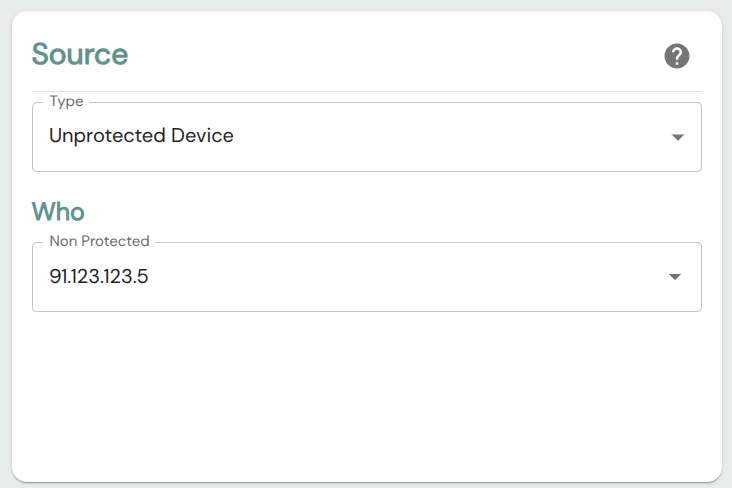
Unprotected Device
If Unprotected Device is selected as source Type, then access is granted to whatever IP or subnet is specified in the Who field.
Destination
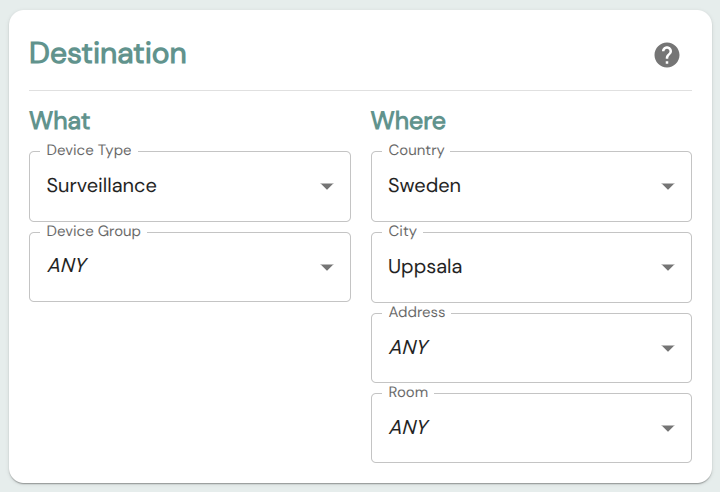
The Destination section specifies the types and locations to which the policy will allow communication.
Commonly, we will specify the device type, group, and location of devices protected by XoT-Locks here.
For some policies however (as described in the introduction), the targets of the policy can be external IPs or subnets, or allow unrestricted outgoing communication.
How
How should authenticated clients be allowed to communicate? What protocols and ports can be accessed?
By default, the policy will be set to Deny-All and will not provide any access.
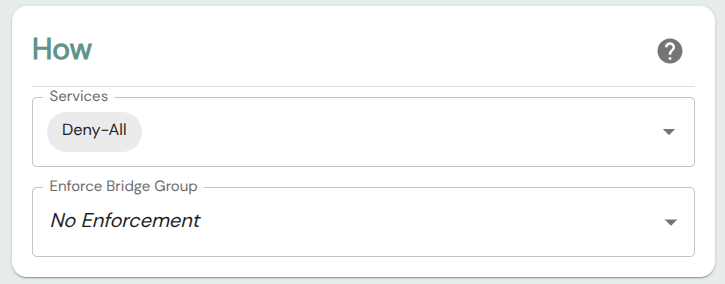
For the policy to grant access, you must add rules and services in the Service field.
For instructions on how to create firewall rules and services, see this section below.
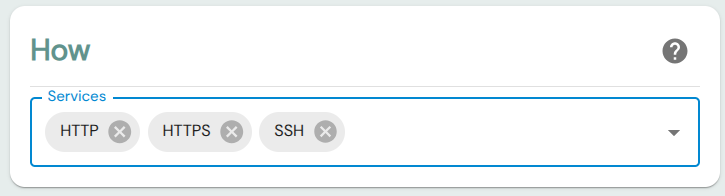
If the Source of the policy is a User Group, then an additional field called Enforce Bridge Group can also be set in this section. If a Bridge Group is set here, then this will place a requirement for policy that it will only apply to communication that happens via that Bridge Group.
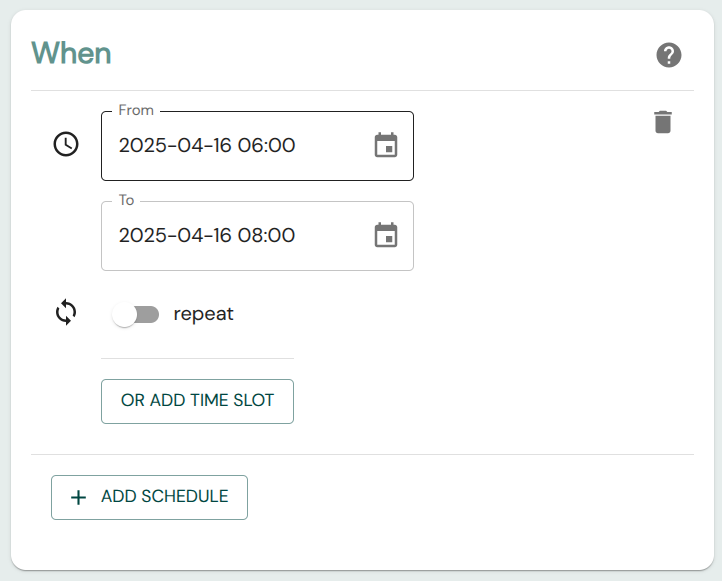
When should this access be granted?
It is also possible to only have the policy be active at certain times. The scheduling function allows a great deal of flexibility in this area.
Due to current limitations scheduling can only be added to existing policies, so if you are creating a new policy that needs to have a schedule, save the policy first by clicking Save in the bottom right and then the scheduling function should be available.
Firewall Rules & Services
As we've seen, policies can restrict what type of traffic they allow. This is done by assigning firewall rules or services to the policy.
A firewall service is either a portless protocol, like ICMP, or a combination of protocol and port range.
A firewall rule is simply a grouping of services. For situations where you want to assign the same combinations of protocols and port ranges for many policies, it may be easier to create a rule describing this group of services and simply assign that in the policy. Assigning a firewall rule to a policy is equivalent to assigning all the services contained within it.
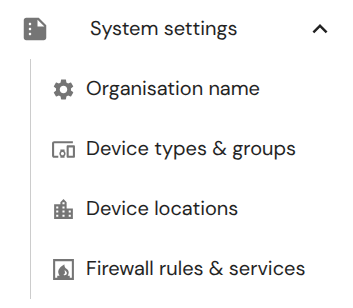
To create a firewall rule or service, navigate to Firewall rules & services in the main menu.
Using the Policy Graph
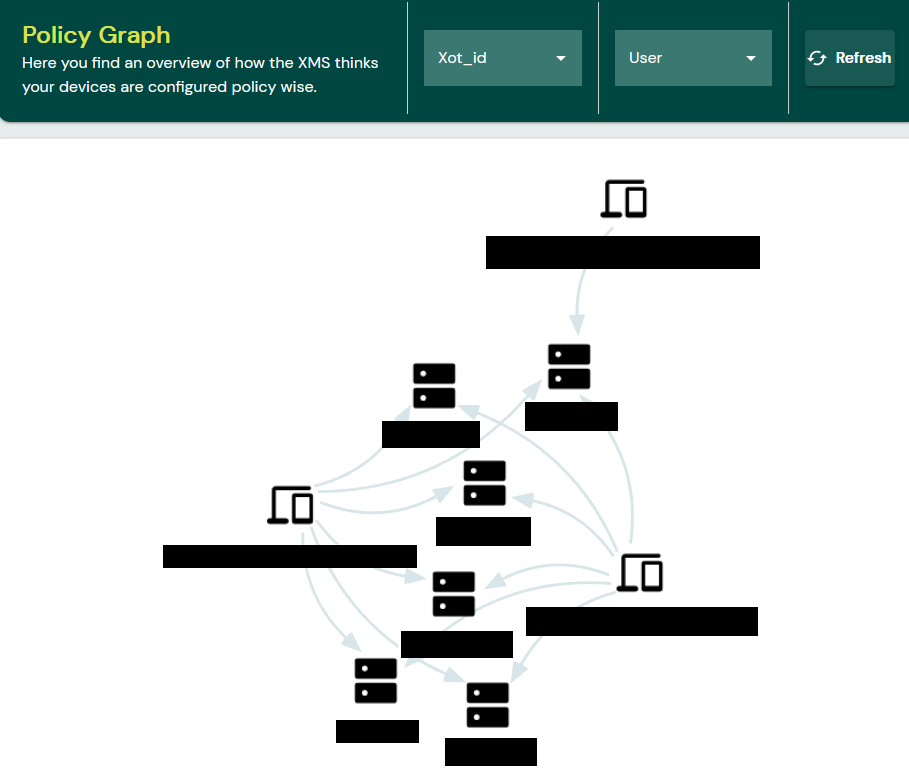
To learn what policies are active, go to the XMS Policy Graph and review if any user(s) can be seen connected to any resource(s)
- If they are seen, it indicates they have access to resources.
- If they are not seen, that indicates they do not have any access to any resources.