XoT-Desktop Client
Overview
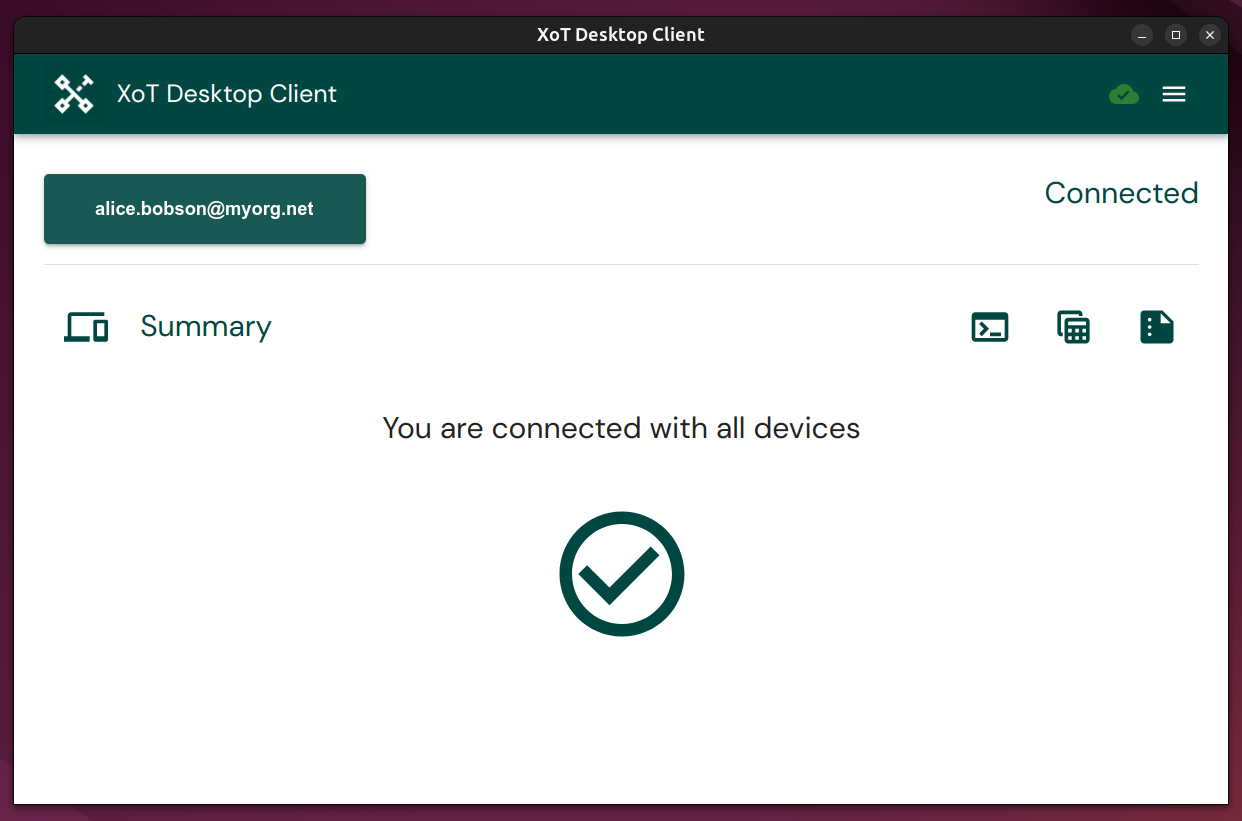
The XoT-Desktop client is software installed on end-user computers (Windows, macOS, Linux) or servers. Its primary function is to provide these machines with secure, policy-controlled access to applications and systems protected by XoT-Locks within your organization's network.
It acts as the user's endpoint for the XoT infrastructure, establishing secure connections based on the access rules defined by administrators in the central XoT Management System (XMS).
How it Works and Key Features
- Policy-Driven Access: The client connects to one or more XoT-Locks simultaneously, but only if permitted by Access Control Policies configured in the XMS. These policies dictate who can access what resources.
- Secure Tunnels: Connections are established using encrypted WireGuard tunnels, ensuring the confidentiality and integrity of data transmitted between the user's machine and the protected resource.
- Seamless User Experience: Secure tunnels are typically established when the client starts and are maintained persistently in the background.
- Continuous Authentication: Authentication is periodically and automatically re-verified in the background.
- Strong Identity: Authentication relies on a Public Key Infrastructure (PKI) identity associated with the user or device. For maximum security, it is strongly recommended to store the necessary private keys on hardware security tokens, smart cards.
- Cross-Platform: Clients are available for the major desktop operating systems: Windows, macOS, and Linux.
Headless Client
For servers (Windows Server, Linux) or other environments where a graphical user interface is not needed or desired, a Headless version of the XoT-Desktop client is available. It provides the exact same secure connectivity and policy enforcement capabilities but runs entirely as a background service without any GUI.