XoT-WebAccess
For users who cannot install the XoT-Desktop Client on their PC or require a jump host, XoT-WebAccess from Xertified provides a seamless solution.
By installing XoT-WebAccess on a system that is reachable by the user’s browser on one side and by the XMS management system and XoT-Locks on the other, users can simply log in via a browser. Once logged in, they are presented with a virtual desktop and can start working immediately.
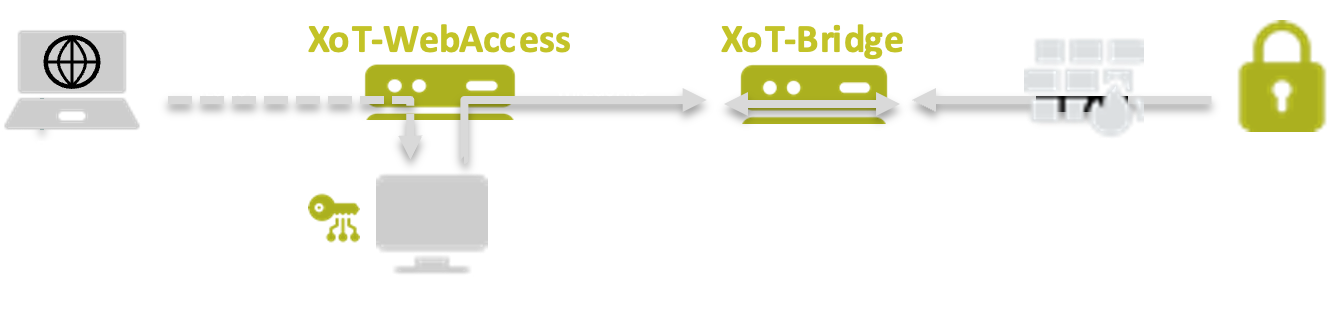
Upon login, a personal virtual desktop is spawned, and the user’s personal access control policies are enforced—just as if the XoT-Desktop Client were installed on their local machine. In fact, the XoT-Desktop Client is installed within the virtual desktop itself.
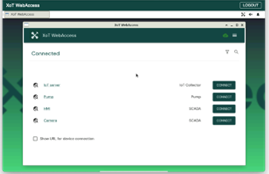
For third-party users, administrators can set up clickable links for quick access to specific assets.
Both XoT-WebAccess and the XoT-Desktop Client can be used simultaneously, depending on user needs.